Key takeaways
- AAC means augmentative and alternative communication: any tool that helps a child be understood beyond spoken words.
- There are three broad types: no-tech (gestures, sign), low-tech (picture cards, PECS, core boards), and high-tech (apps and devices).
- AAC does not stop speech. The evidence points to equal or better communication outcomes and less pressure.
- Modeling is the engine. Use the system yourself in real moments instead of handing it over and waiting.
- Start with what your child can access consistently. A simple board beats a powerful app your child cannot use.
Best next reads
- AAC for autism: full parent guideRead the Little Words guide
- AAC for toddlers: when and how to startRead the Little Words guide
- Low-tech AAC: PECS, core boards, and pointingRead the Little Words guide
- Modeling AAC: how to talk through the deviceRead the Little Words guide
- How to get an AAC device through insuranceRead the Little Words guide
What is AAC?
AAC stands for augmentative and alternative communication. It is the umbrella term for any tool that helps a child be understood beyond spoken words. Augmentative means it adds to whatever speech a child already has. Alternative means it can carry the whole message when speech is not available in the moment. If you have heard PECS, Proloquo, LAMP, core board, and speech device all in the same week, those are simply different points on one range.
The goal of AAC is never to replace a child's voice. It is to make sure the child has a voice that works, in whatever form gets the message across.
The types of AAC
It helps to picture AAC as a ladder from simple to complex. No rung is better than another. The right one is the one your child can use and your family will keep using.
No-tech and low-tech
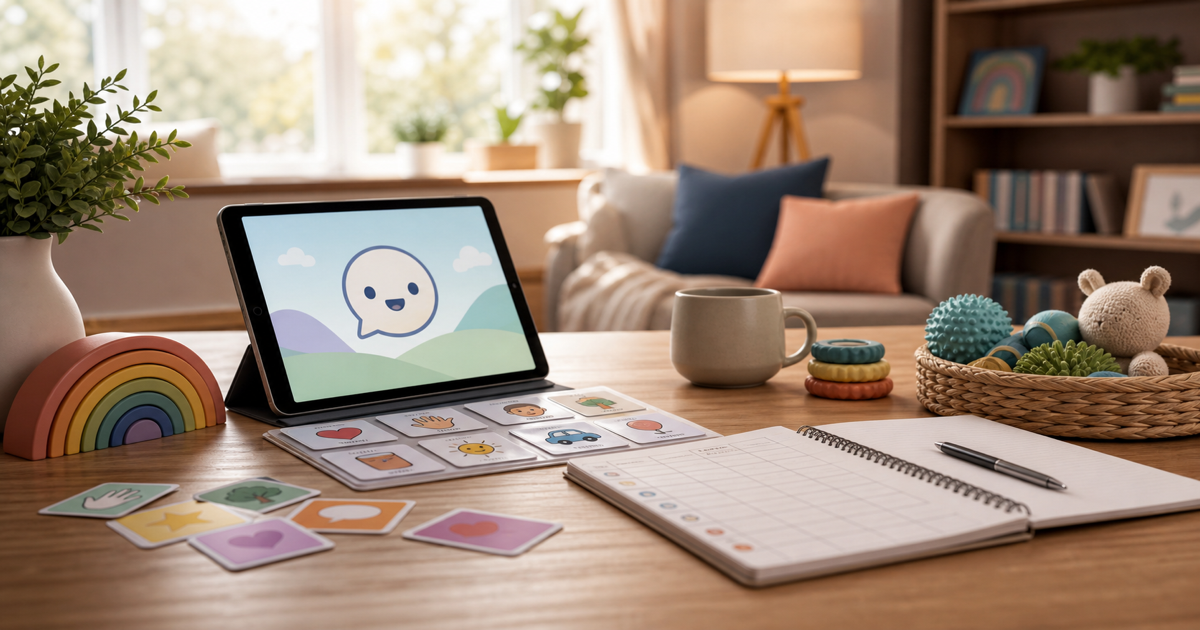
This includes gestures, sign, pointing, picture cards, a PECS book, and a laminated core word board. No battery, no setup, cheap to replace. A core board on the fridge can be the right first tool while you learn what a device might add.
High-tech
Speech-generating apps run on a tablet and speak aloud when a child taps symbols or words. A dedicated speech-generating device does only communication and can be sturdier, and it may qualify for insurance funding. High-tech holds far more vocabulary, which matters as a child grows.
What AAC communication looks like
AAC communication is a child requesting a snack, refusing a shirt, commenting on a dog, asking for help, and choosing between two activities using something other than spoken words alone. It might be handing over a picture, pressing a button that speaks, or tapping words on a tablet. The form matters far less than the fact that the child is understood and gets a response.
Start with access, not perfection
The first AAC decision is not which premium app has the most features. It is whether your child can make a request, refuse, comment, ask for help, and be understood today. A laminated core board can be the right first tool while you learn what a speech-generating device might add. Aim for a system your child can reach the moment they have something to say, not the most impressive one in the demo.
Model before you expect output
AAC usually stalls when adults hand over a device and wait. It works better when adults use the system themselves, out loud, in real moments. Press more while giving more crackers. Press go before pushing the swing. Press help while opening a stuck container. This is called modeling, and it is the single most useful thing you can do. You are showing your child what the tool does, not testing them, so comment more than you question and drop the say it prompts.
Protect speech instead of pressuring it
The research direction is consistent: AAC does not prevent or delay speech. For many children it reduces frustration, gives language a visible structure, and makes spoken attempts more likely because communication finally works. Speech and AAC are not rivals. A child can point to a picture, tap a word, and try to say that word in the same minute, and each path reinforces the others. Presume competence, and treat your child as a capable communicator who needs the right tool rather than one who has to earn it.
Buddy is a voice-first speech companion your child actually talks to, made for late talkers and neurodivergent kids. It supports spoken practice alongside a child's AAC, never in place of it. It is free to download on the App Store.
Get the appFrequently asked questions
What is AAC?
AAC stands for augmentative and alternative communication. It is any tool that helps a child be understood beyond spoken words, from picture cards and core boards to speech-generating apps and devices. Augmentative means it adds to whatever speech a child has. Alternative means it can carry the full message when speech is not available.
What are the types of AAC?
AAC ranges from no-tech and low-tech to high-tech. No-tech and low-tech includes gestures, pointing, sign, picture cards, PECS, and laminated core boards. High-tech includes speech-generating apps on a tablet and dedicated communication devices. None is automatically better. The right one is the one your child can access and your family will use.
What does AAC communication actually look like?
AAC communication is a child requesting, refusing, commenting, asking for help, and choosing using something other than spoken words alone. It might be handing over a picture, pressing a button that speaks, or tapping words on a tablet. The form does not matter as much as the child being understood and getting a response.
Will AAC stop my child from talking?
No. The research direction is consistent: AAC does not prevent or delay speech. It is generally associated with equal or better communication outcomes, and it can reduce pressure around speech, which often makes spoken attempts more likely rather than less.
Should we start with low-tech or an app?
Start with what your child can access consistently. Many families use both: a low-tech board for messy everyday moments and a device for richer vocabulary. A simple board your family uses every day beats a powerful app that overwhelms your child.
How do I help my child learn to use AAC?
Model the system yourself instead of handing it over and waiting. Use the words on the board or device as you talk, like pressing more while giving more crackers or go before pushing the swing. Keep pressure low, follow your child's interests, and treat every attempt as real communication.
Sources
Primary sources for this topic. Little Words Editorial verified each link on August 10, 2026. See how we check claims in our editorial standards.
- ASHA: Augmentative and Alternative Communication (parent guide). Accessed August 10, 2026.
- ASHA Practice Portal: Augmentative and Alternative Communication. Accessed August 10, 2026.
- U.S. Department of Education: Individuals with Disabilities Education Act (IDEA). Accessed August 10, 2026.