AAC (devices, apps, low-tech)

Best AAC Apps for Toddlers (2026): A Parent's Picks

If you searched for best AAC apps toddlers, this page gives you the parent-level answer: what the concern usually means, what to watch.
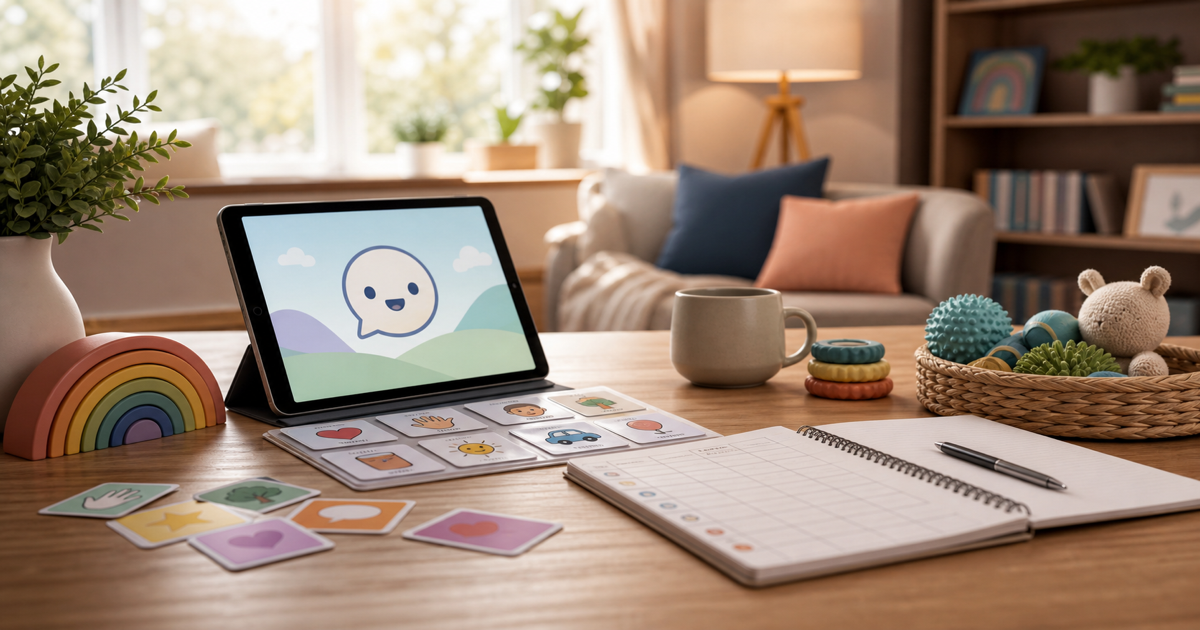
If you're hunting for the best AAC apps for toddlers, here's the honest parent-level version: which apps are worth looking at, what actually matters when you're comparing them, and how to think about your specific kid instead of just grabbing whatever's ranked first. The real question isn't "which app will make my child talk." It's what your toddler is already communicating right now, and what kind of access or modeling would make the next step easier for them. That framing matters because it keeps you focused on your child's actual behavior rather than chasing a product, and it gives you something concrete to bring to an SLP, pediatrician, early intervention team, or school team if you need one. Before picking an app, watch your child across a few different situations rather than judging from one hard afternoon. Notice how they point, imitate, use gestures, respond to their name, and handle frustration, and pay attention to whether they understand more than they can say out loud. Kids who understand a lot but can't produce much speech are often great candidates for AAC because the app gives them a faster way to show what they already know. The apps that come up most often are Proloquo, TouchChat, LAMP, TD Snap, and CoughDrop. They vary a lot in cost, how steep the learning curve is for parents, and what age or skill level they're built for. A 2-year-old typically needs something simple, with a small core vocabulary and big buttons, room to grow. A 5-year-old who's ready for more complex sentences might do better with a system built around language development stages rather than a basic picture board. Whatever you choose, the app itself isn't the intervention: modeling matters more. Pick one daily routine, like snack time or getting dressed, and model a word or button on the device yourself, then pause and give your child room to respond in whatever form they can, whether that's a point, a sound, or hitting the button. If concerns about communication go beyond just finding the right app, don't wait to ask for help. A hearing check, an early intervention evaluation, a private SLP evaluation, or a school-based assessment can all clarify what's going on. Looking into this early isn't overreacting: it's making sure your child has access to a way to communicate as soon as possible. For more on this, the plain-English starter guide to AAC for autism is a good next stop, and if cost is a concern, there's a guide on getting an AAC device through insurance. Parents dealing with a broader speech delay might also find it useful to read about age-by-age toy picks for speech delay or, for bilingual households, the guide on raising a bilingual child with a speech delay. If pretend play isn't part of your child's world yet, there's also a list of toys for autistic kids who don't pretend play, and for the wider family picture, guides on explaining a speech delay to grandparents and helping a neurotypical sibling cover ground this article doesn't. There's also a hands-on option in sensory bins built around speech and language targets, and the full neurodivergent parenting hub or the broader parent guides section if you want to keep reading. Little Words is meant as educational support for practice at home. It isn't a medical device, an AAC replacement, or a substitute for a licensed speech-language pathologist, pediatrician, early intervention program, school team, or full developmental evaluation.
AAC and talking practice work best side by side.

Little Words is a voice-first app where your child talks and plays with Buddy at home, low-pressure practice that sits alongside their device. It is free to download.

See your child's planor download on the App Store