
Speech games that make practice feel like recess
177 themed activities, ready to play in your browser. Try one activity without an account, then continue with a membership or eligible free trial. Your membership works on the web and in Buddy with the same account.
Choose a practice target (optional)
Choose the practice purpose first.
Choose a communication goal or an existing word deck. Goal-specific activities keep their own instructions and support; play style applies to word-deck games.
In word-deck games, the child takes a turn with speech, a sound, an approximation, gesture, AAC, or a tap. Use “My turn is done” to continue whenever they are ready. The game never judges pronunciation.
Find a game
Start with the communication goal, then consider the child’s understanding, interests and support needs. The listed age ranges are browsing guidance, not an assessment. Practice levels belong to each activity and do not measure age or ability.
Browse by game type
Early communication 4 games
Choose a small set that matters to this child. Taps, pictures, AAC, signs, sounds and speech all belong.
Minimal pairs 2 games
Start with listening, compare two real words, then add supported speech practice when the child is ready.
Speech foundations 2 games
Choose the word shape, cue level, dose, or visible mouth gesture. These activities organize practice and never diagnose or score pronunciation.
Anticipation & surprise 6 games
Build the wobble, crack, rumble or rescue one word at a time. Choose a practice turn or a touch response. Bath Time Panda has its own clean/dirty and direction-following routine.






Travel Adventures 22 games
Each child boards with words from their own deck, the vehicle really travels, and the group explores three connected destination areas before a big animated finale. One to four players, works with sound off.








































Quiz shows 12 games
Pick a door, say the word on the card, then find the picture that matches.









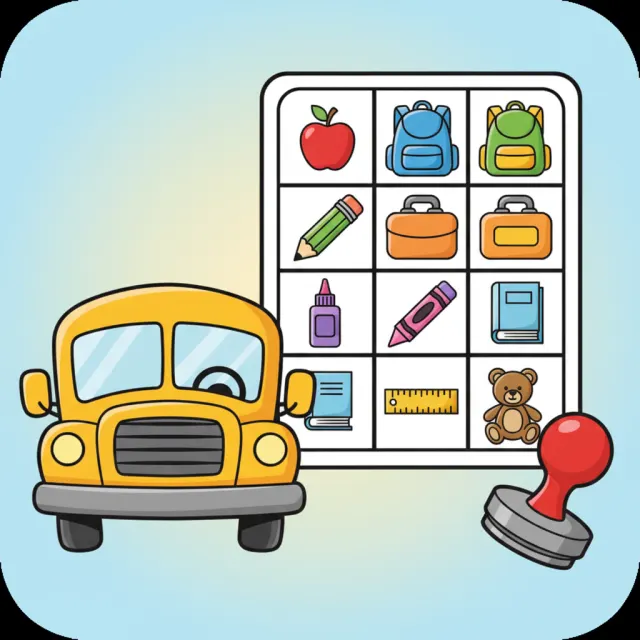
Bingo boards 12 games
Say a word, stamp a square, and keep going until the card is full.








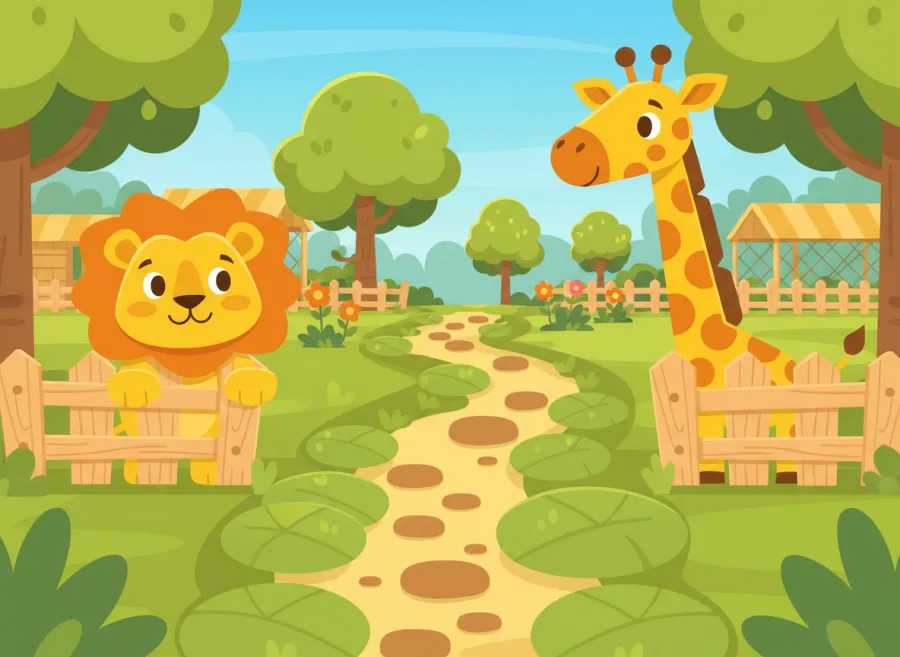
Board races 11 games
Say a word, take a step along the board, and reach the finish.










Memory matching 9 games
Flip two cards, say what you see, and hunt for the pair.








Color-in scenes 12 games
Say a word and the color splashes back into the picture.



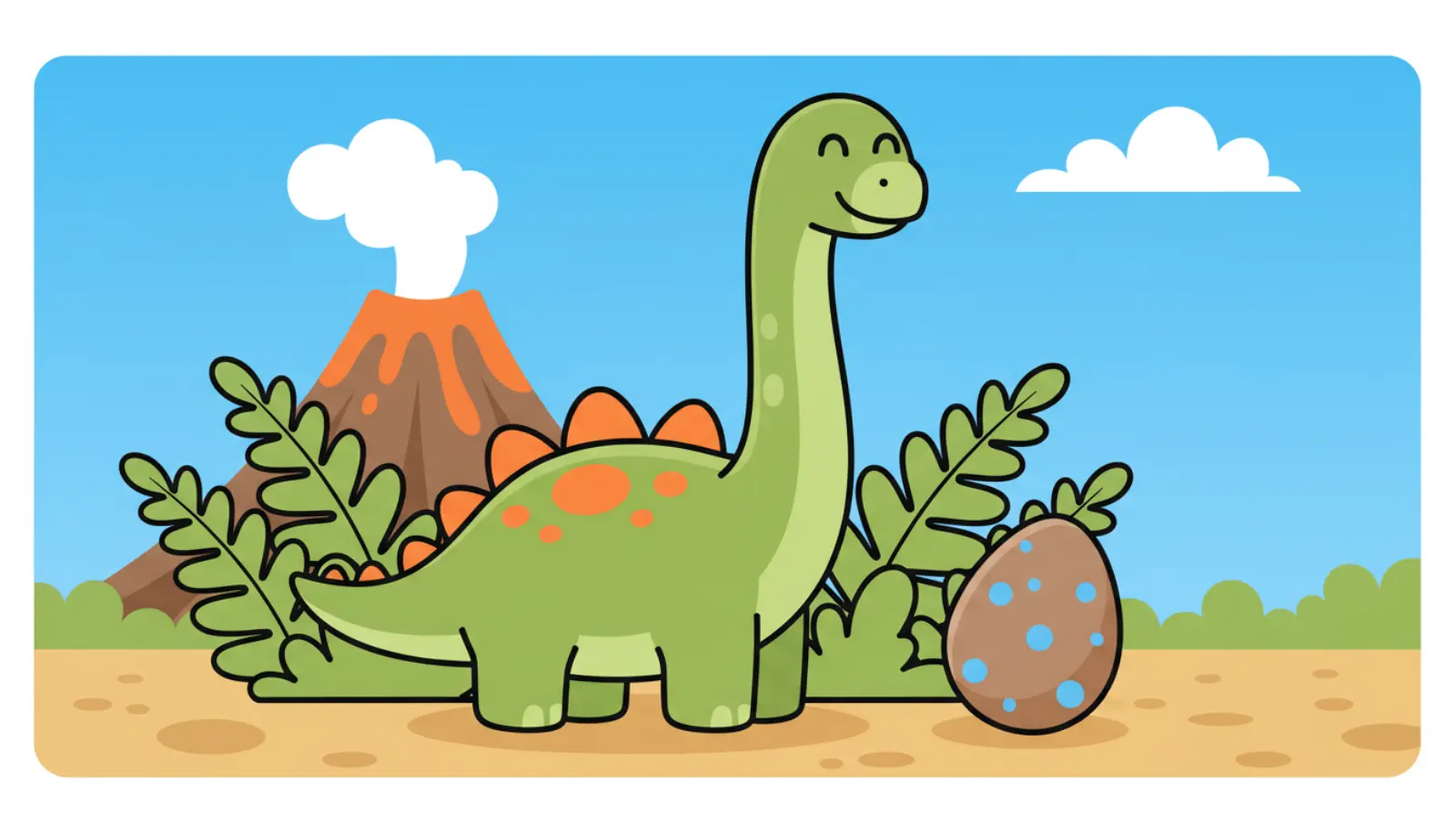


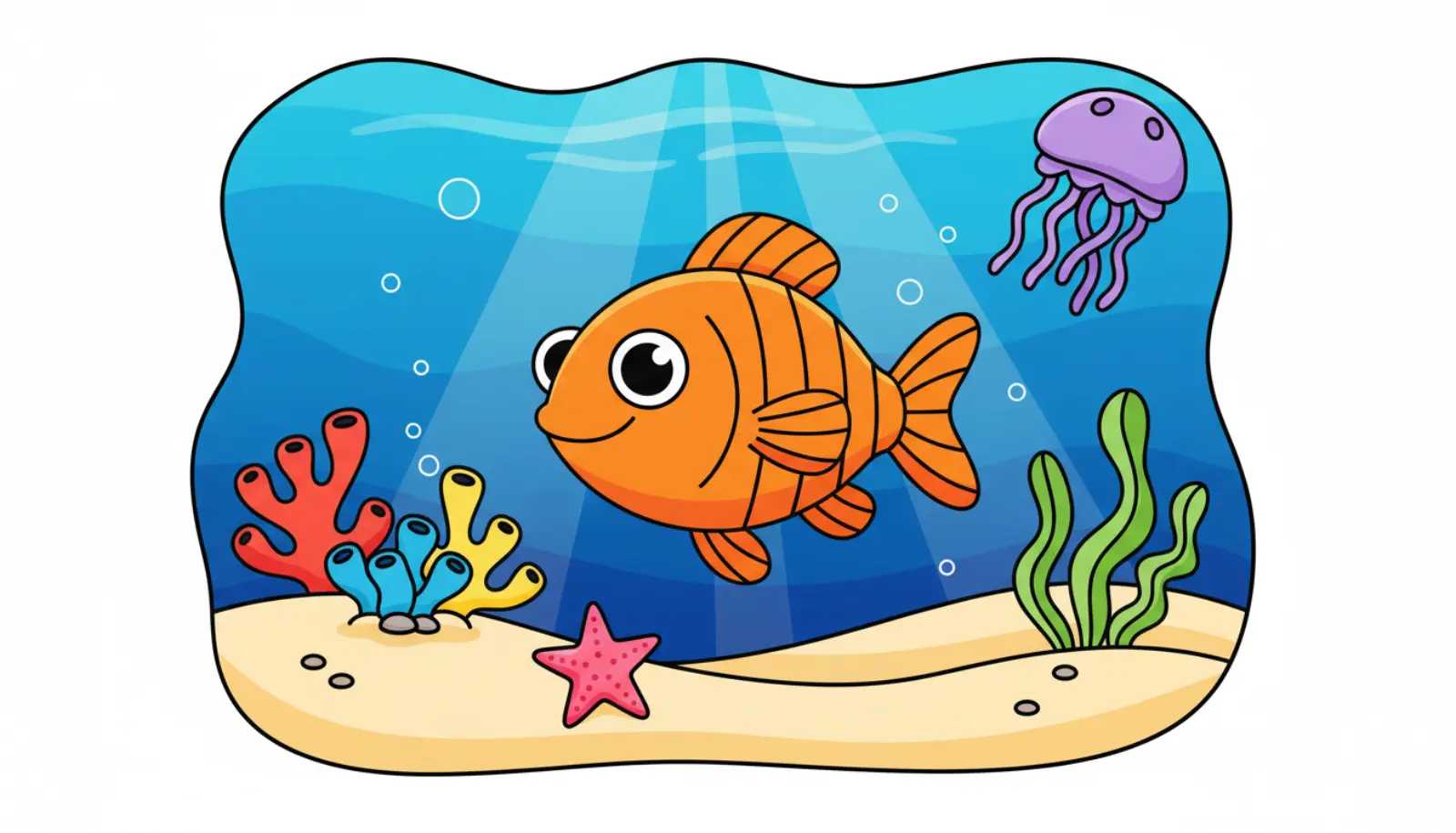



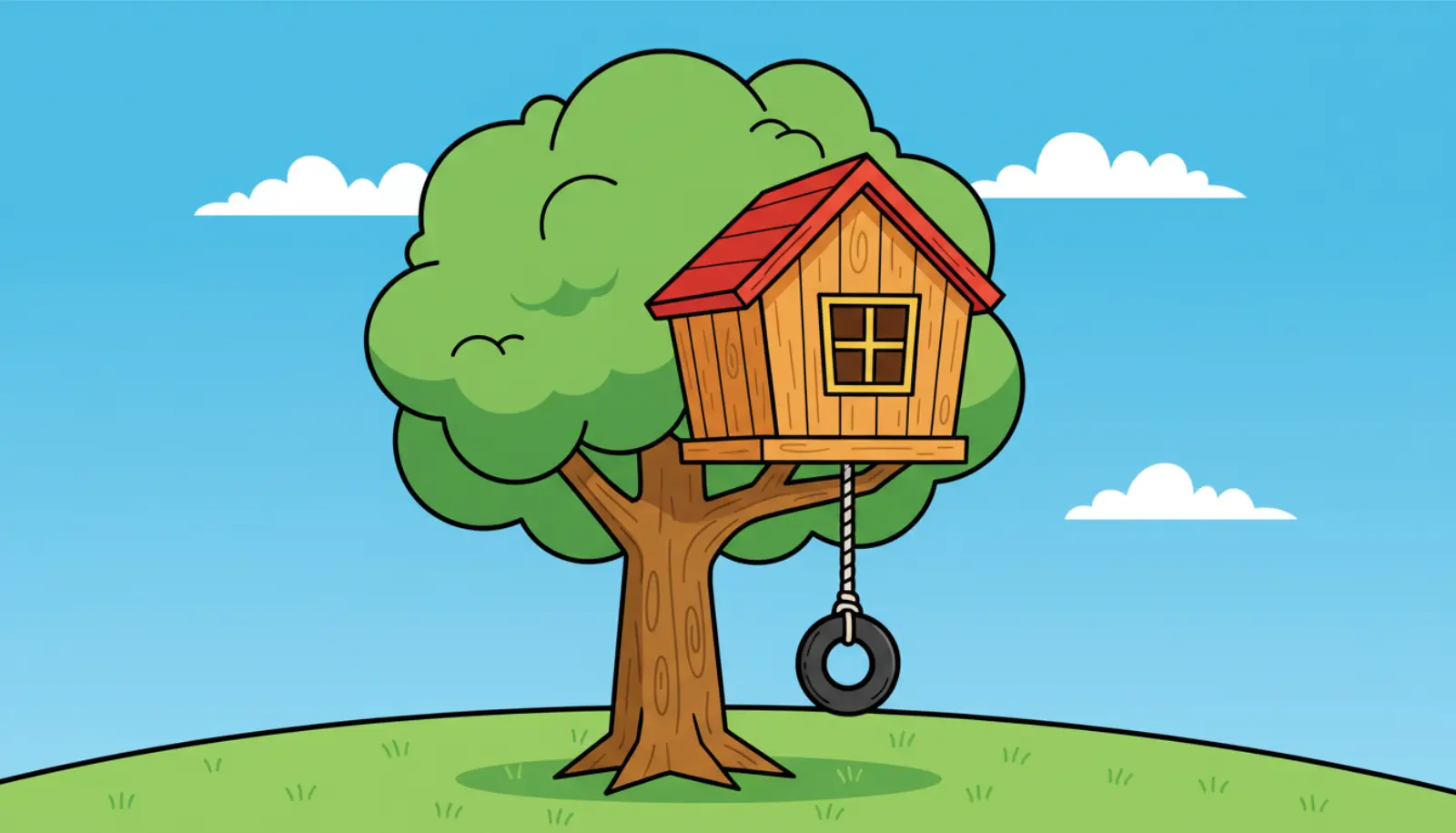
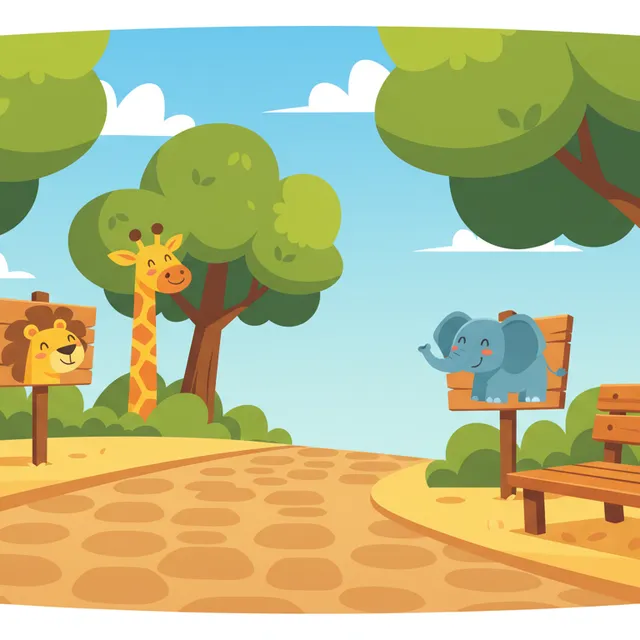
Silly scenes 12 games
Spot the thing that does not belong in the picture and name it.

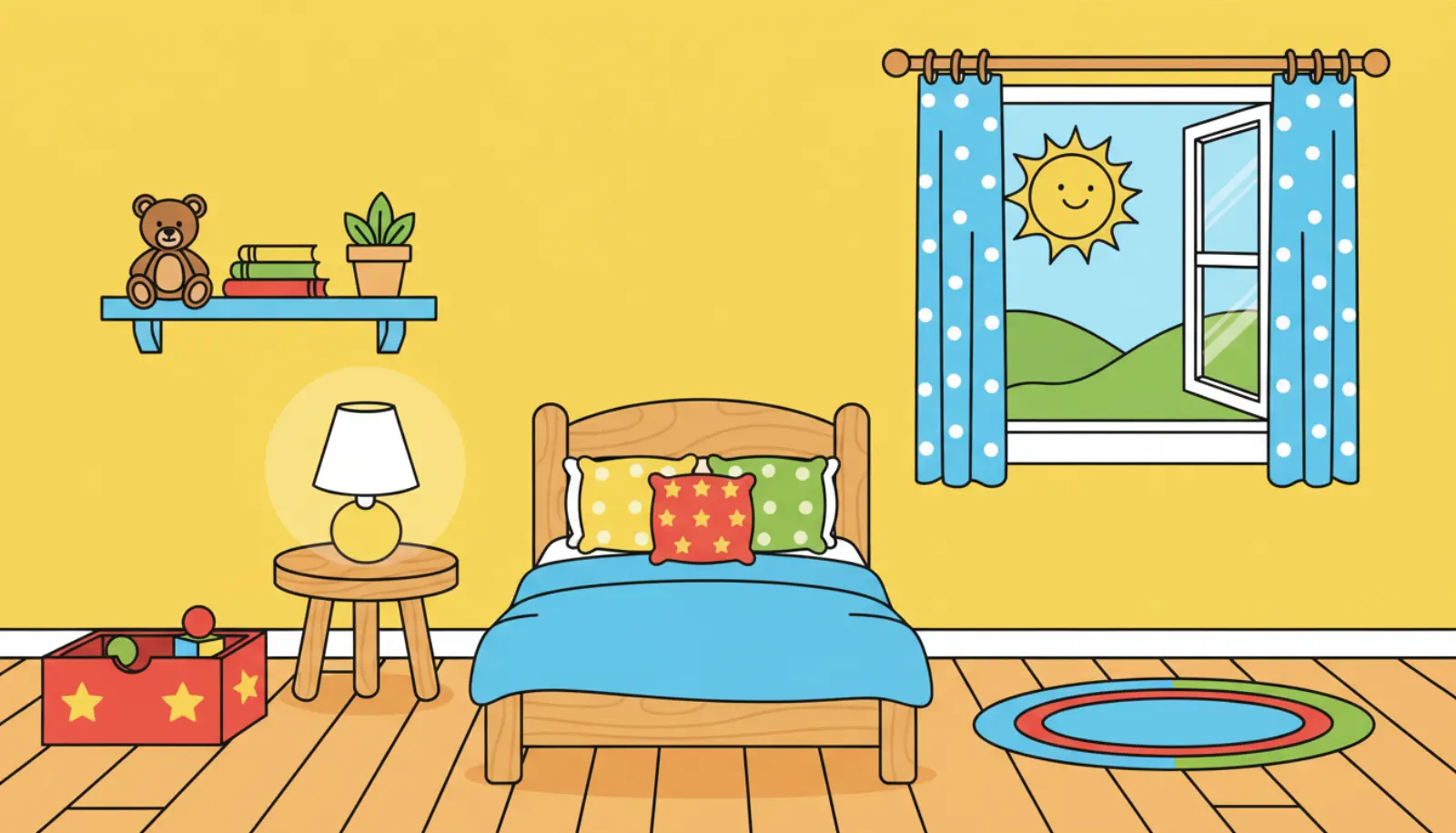
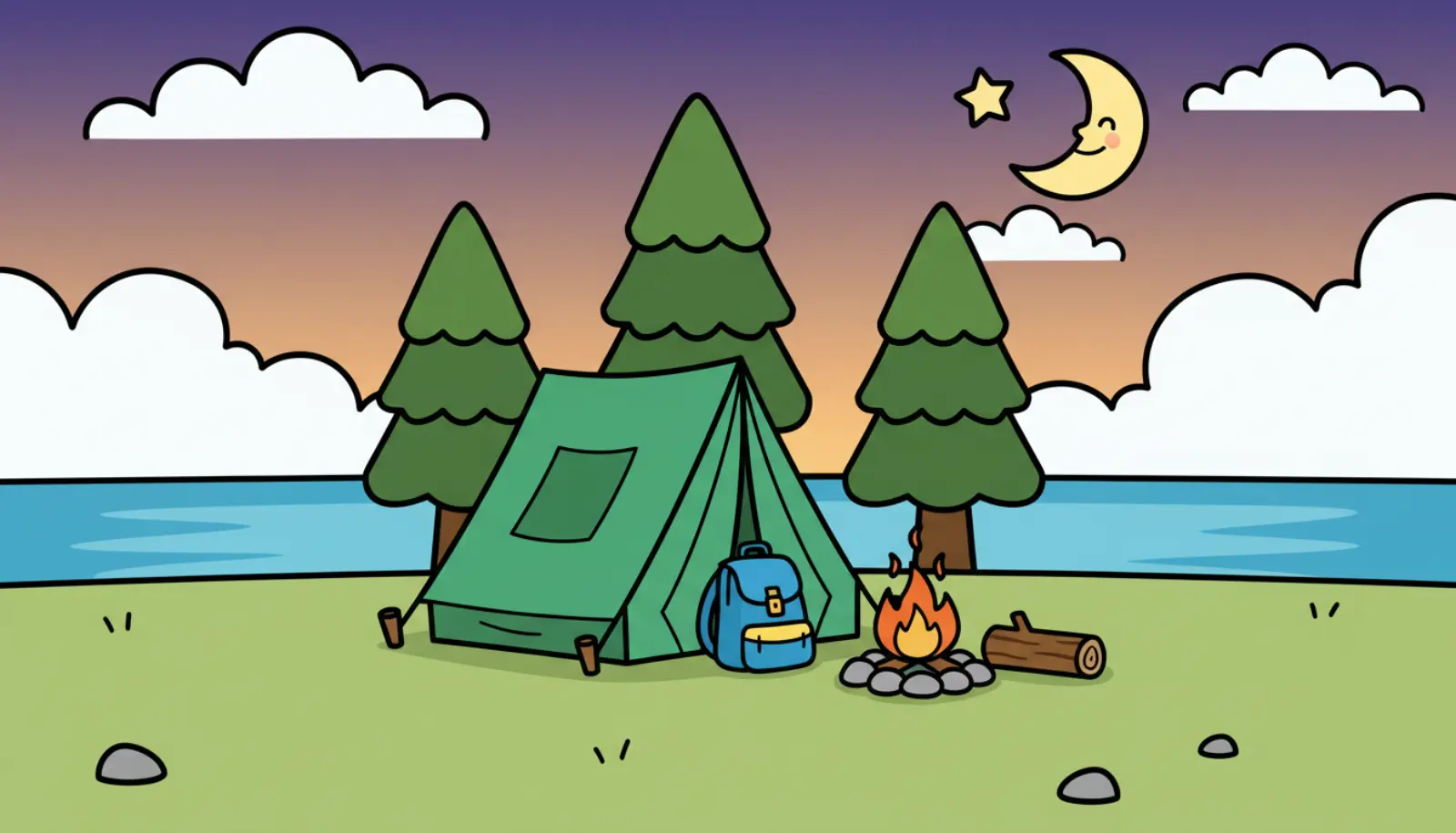

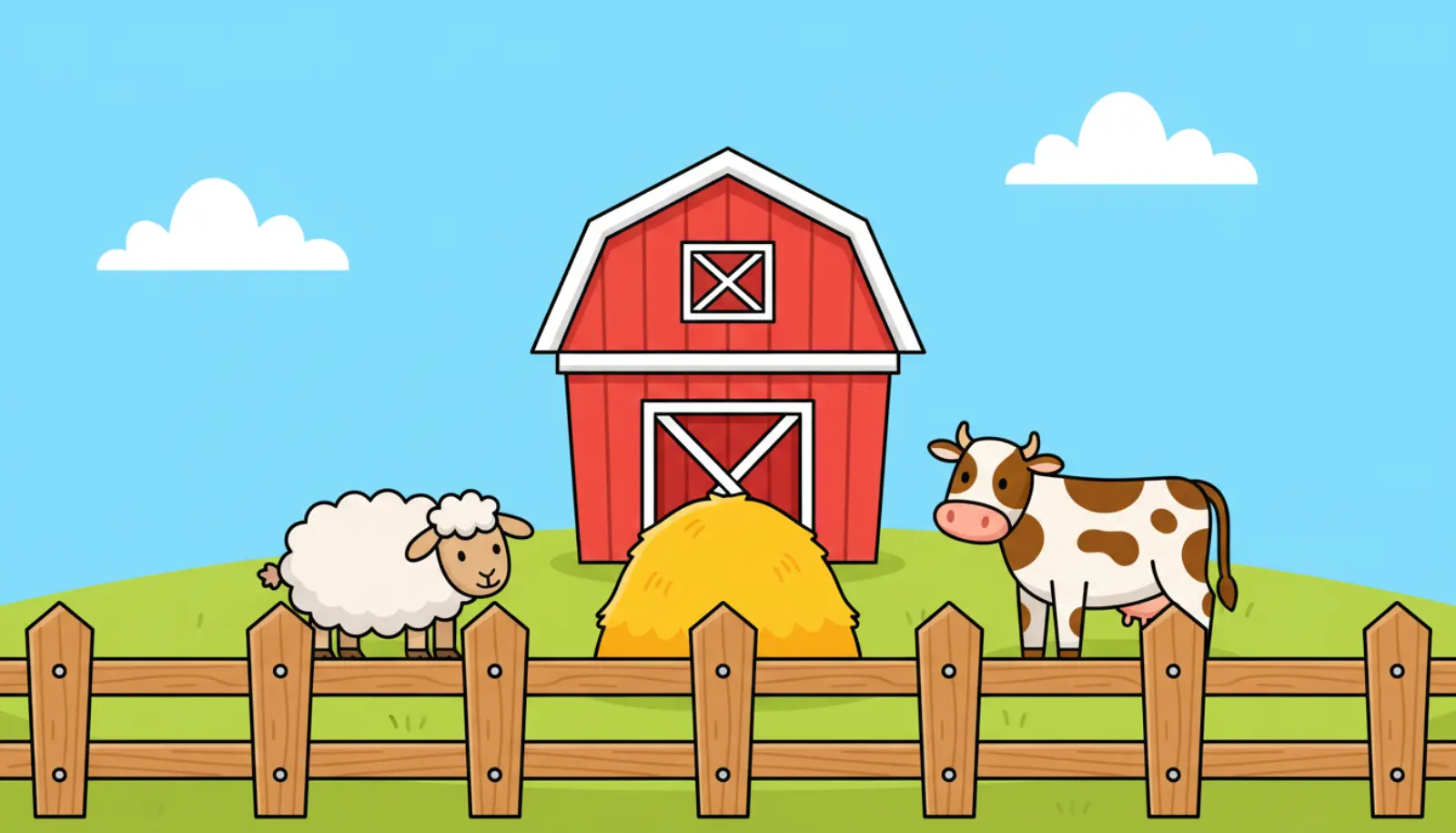


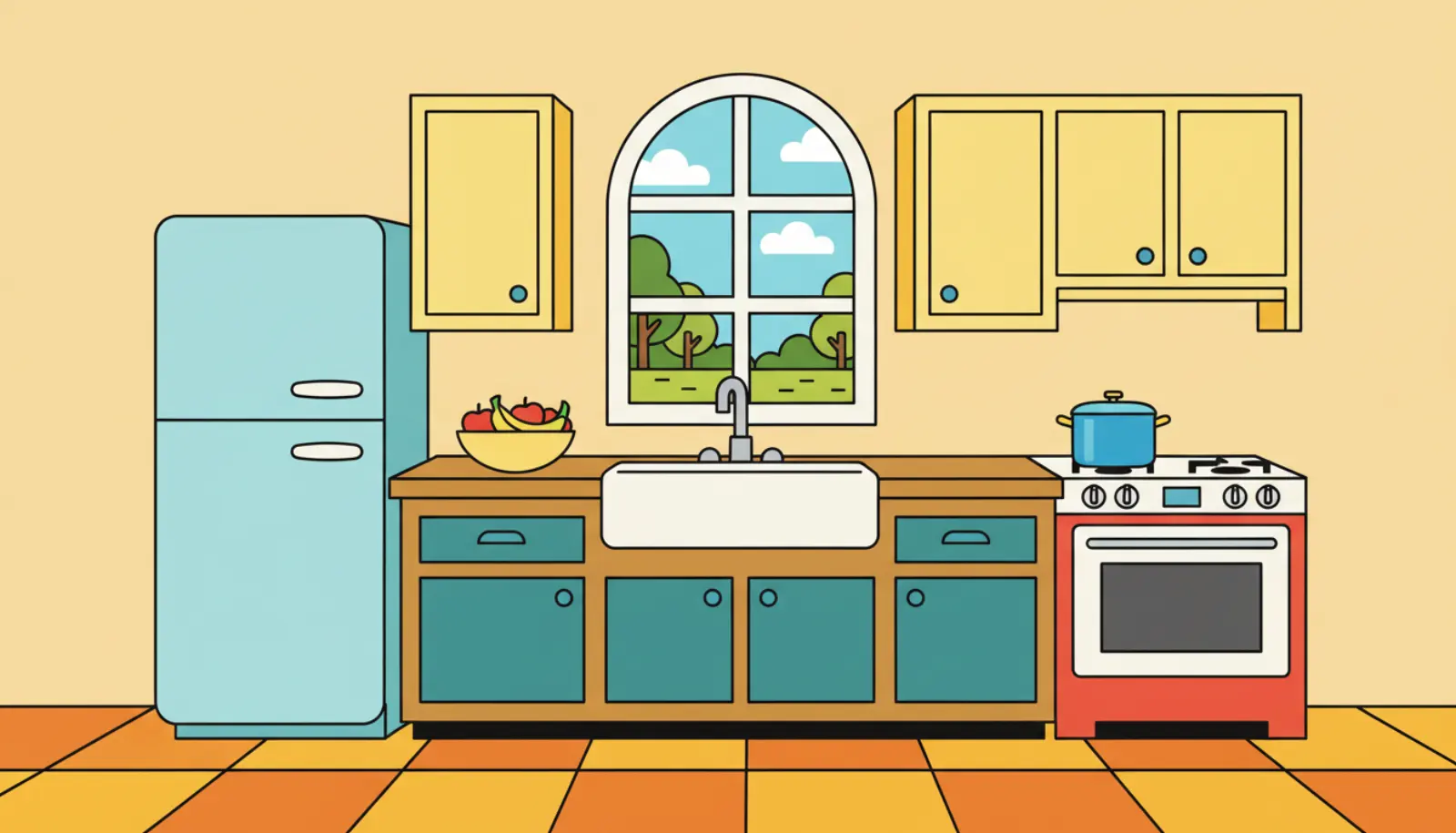
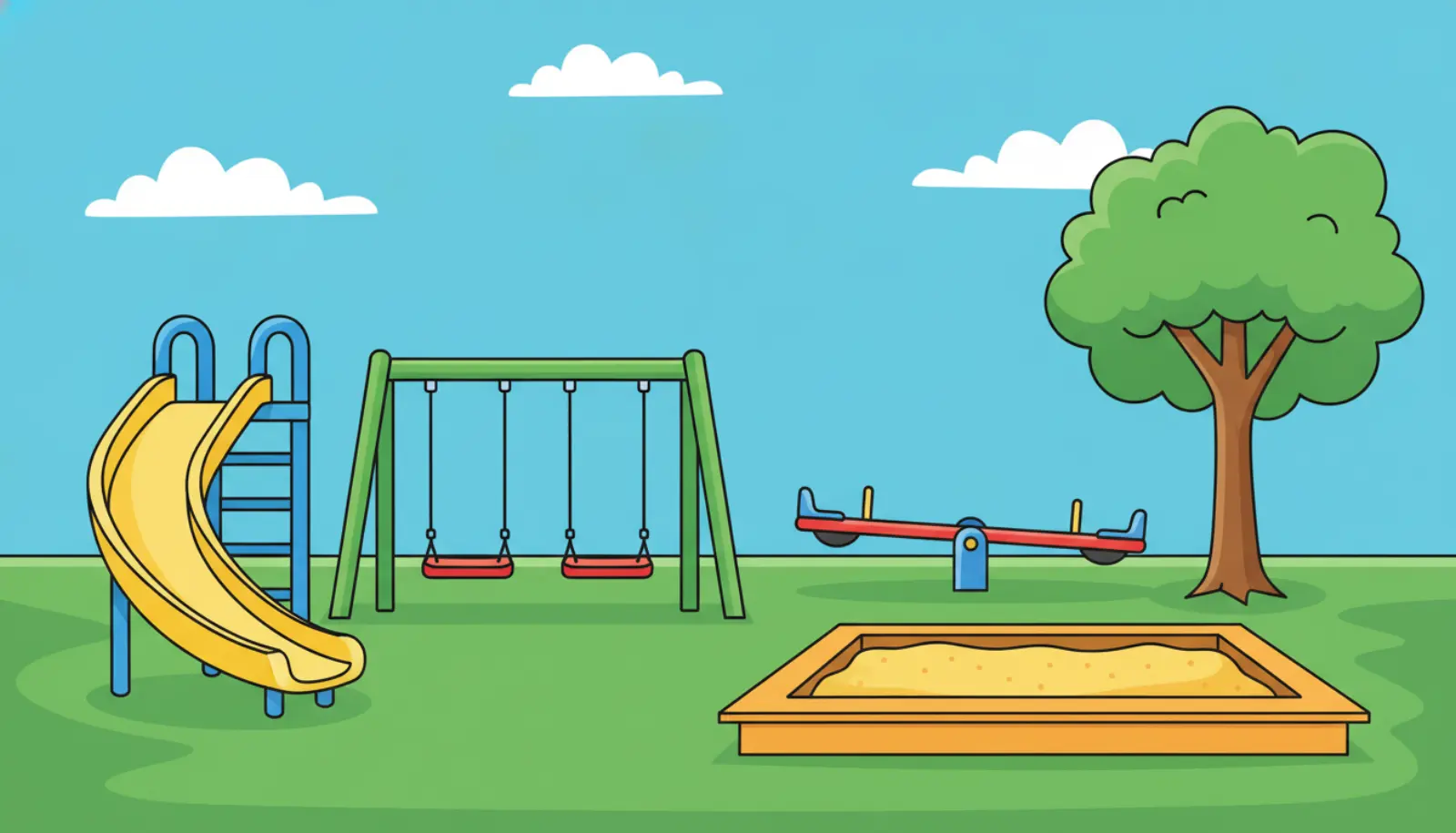

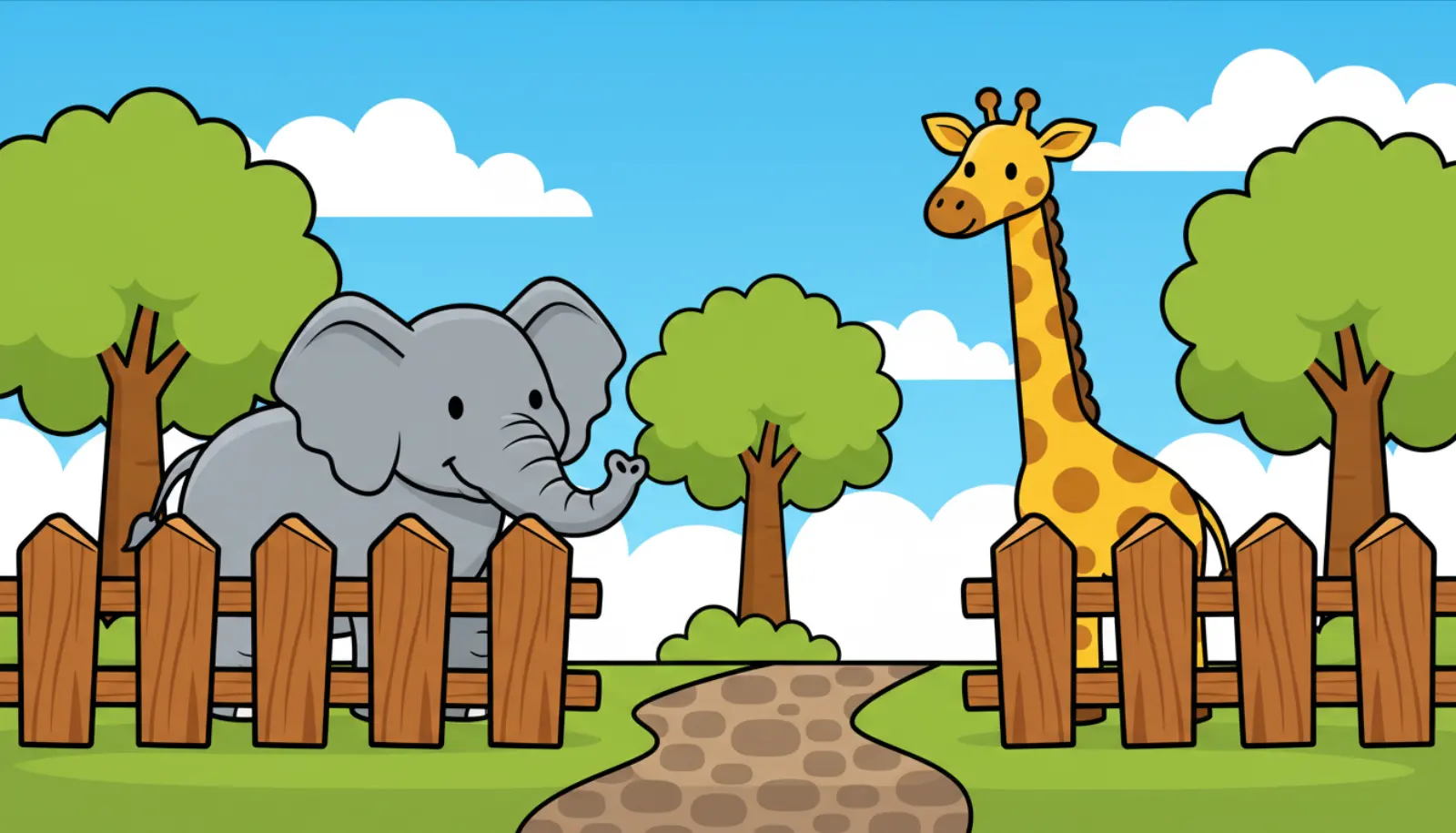
Language adventures 8 games
Follow meaningful directions in five responsive scenes, sort useful groups, answer distinct question types, and order connected events. Each successful choice changes the world.

Catch, Collect & Reveal 10 games
Choose an object, take a practice turn, and watch a real tool collect it. Five or ten rounds, up to four children with their own decks, then a big theme finale to explore.









Feeding friends 9 games
Listen for the word, then feed the hungry character what it asked for.






Build it 10 games
Say a word, add a piece, and keep building until it is finished.







Choosing & helping 10 games
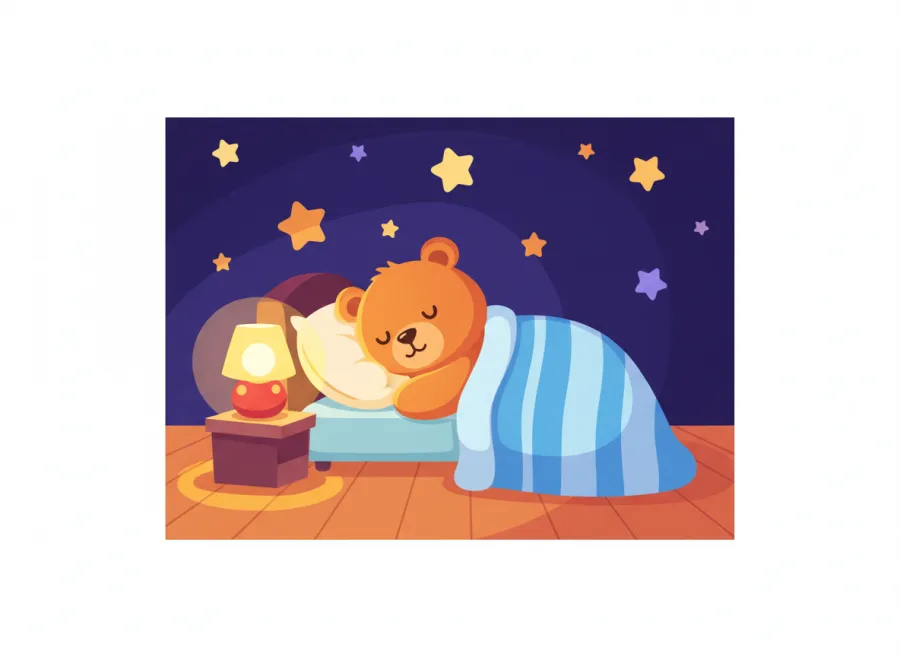
Make everyday choices and help Buddy and friends through a cozy bedtime routine.






Seasonal and holiday 14 games
The same mechanics dressed for a time of year, for the weeks when a themed session lands better.











Short on time?
A game is a scene, a goal and a celebration. When there is no room for that, the quick drills get to targets in one tap; minimal pairs, sound sorting, repetition, following directions; and hand the grown-up a trial tally at the end. Same Buddy, same listening turn, two minutes instead of ten.
Choose the right kind of practice
Word-practice games use your selected deck. Language activities use their own meaningful scenes, choices and directions.
Follow the activity’s interaction: a meaningful choice, a listening task, or an adult-led practice turn. Use its touch, picture or communication supports.
Choose the supports offered by that activity. Some word decks offer Word/Phrase/Sentence; direction games use their own difficulty, and target-only practice keeps the selected word unchanged.
Questions parents ask
Are the Little Words speech games free?
Try one activity without an account. Continue with a membership or eligible free trial, with access on the web and in Buddy using the same account.
Do the speech games work on a phone or tablet?
Yes. Every game is built mobile-first and works on phones, tablets, and desktop computers in any modern browser; nothing to install.
How do the games practice speech sounds?
In selected-word games, an adult chooses the sound and word-position deck. Use the game’s model and practice controls as appropriate. Language games and minimal-pair listening activities have their own targets and instructions; they do not all accept a speech deck.
Which game should we start with?
Start with the child’s communication goal and an activity they can understand with the available support. First-word play, following directions and adult-led sound practice make different demands. Use the listed age ranges as a starting guide, then review the activity setup with the child’s adult.
Want the cards on their own? Every deck lives in the Little Words flashcard player, and Buddy reads along in Buddy Stories.